Buying Guide: Choosing the Right Hoverboard for Kids and Adults
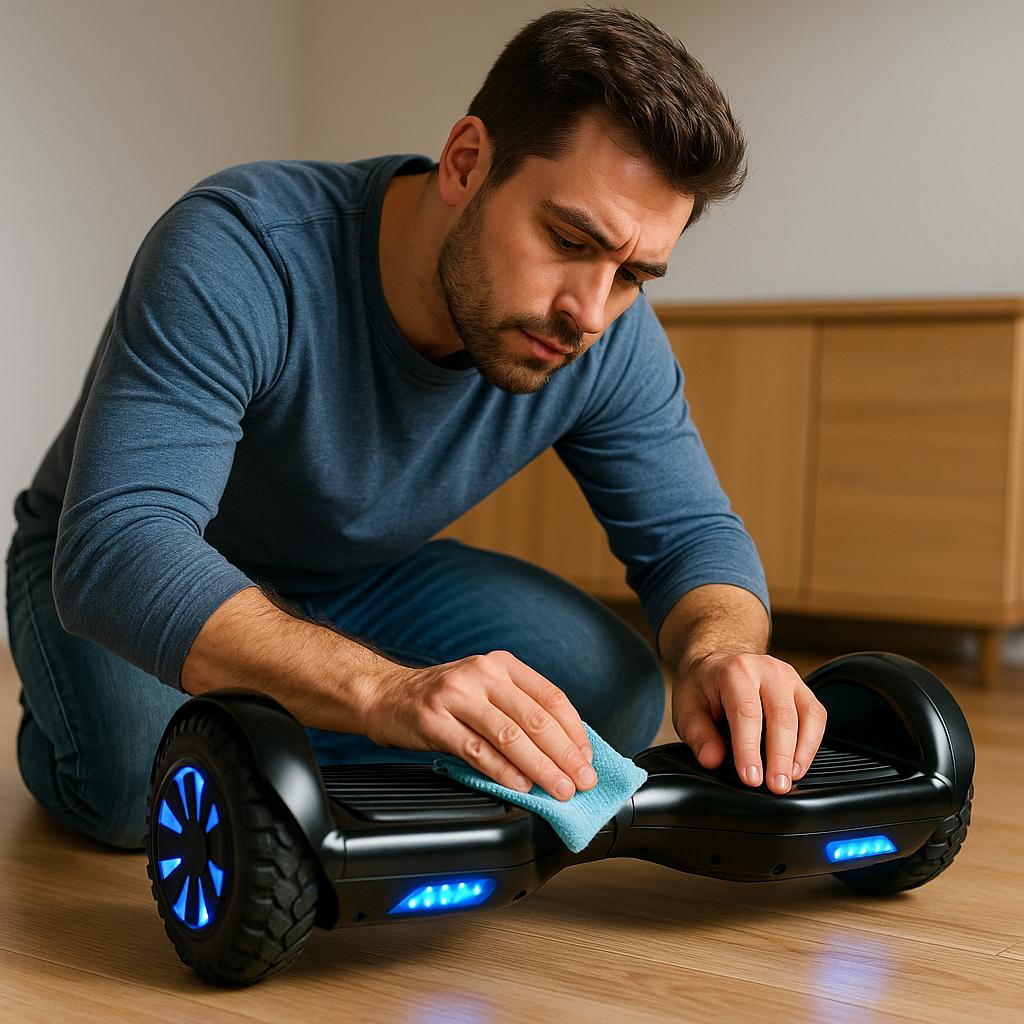
Buying a hoverboard can feel overwhelming – with so many brands, specs, and flashy features, how do you know which one is right for you or your child? Fear not! Our Ultimate Hoverboard Buying Guide will break down all the factors you should consider before making a purchase. By understanding the different types of hoverboards, key features (like speed, range, and wheel size), safety certifications, and more, you’ll be equipped to find a hoverboard that perfectly matches your needs and budget.
Whether you’re looking for a durable off-road model, a budget-friendly kids’ hoverboard, or the latest high-tech scooter with Bluetooth speakers, we’ve got you covered. Let’s dive into the important considerations for buying a hoverboard:
1. Determine the Rider and Use-Case
The first step is to consider who will be using the hoverboard and how they plan to use it:
- Rider’s Age & Size: Many hoverboards are rated for ages 8 and up. For younger kids (under 8), hoverboards might be too challenging or not allowed by local regulations. Check weight limits too – most boards have a minimum weight (around 40-45 lbs) required to function properly, and a maximum weight (often 220 lbs for standard boards, some heavy-duty models go up to 300+ lbs). Make sure the intended rider falls well within these limits.
- Skill Level: Is the rider a beginner, or have they used hoverboards (or similar devices like skateboards) before? Beginners will do well with models that offer beginner modes, moderate speeds, and stability features. Experienced riders might desire higher performance or advanced features.
- Purpose: Fun and casual riding around the neighborhood? Commute to school/work? Off-road adventure? The purpose will dictate certain features:
- For short fun rides or kids at home, a basic model with standard range might suffice.
- For commuting, consider a model with longer range and higher durability, possibly even a handle (like Segway-style) for easier control.
- For off-road/trail riding, you’ll need one with larger wheels and better power.
- If it’s mainly for indoor use (some people use them in big indoor spaces or for warehouse jobs), a smaller, nimble board might be better.
By identifying the primary user and use-case, you can narrow down the type of hoverboard you need.
2. Choose the Right Wheel Size and Type
Hoverboards come with various wheel sizes, typically ranging from 6.5 inches up to 10.5 inches (or even more for specialty models). Wheel size impacts where and how the hoverboard can be ridden:
- 6.5-inch Wheels: This is the most common size on classic hoverboards. These wheels are usually solid rubber. Pros: They offer a low profile and make the board light and easy to maneuver on smooth surfaces. Cons: They don’t handle bumps or rough terrain well – best for indoors, sidewalks, and very even pavement.
- 8 to 8.5-inch Wheels: Many newer models and off-road styles use 8+ inch wheels. Often these are rubber tires, sometimes with tread. They provide a bit more clearance and can tackle cracks, slightly rough asphalt, or packed dirt paths better than 6.5s. They add stability for adult riders because of the larger footprint.
- 10 to 10.5-inch Wheels: These are typically air-filled pneumatic tires (like small bicycle tires). Hoverboards with these wheels, such as some off-road or “all-terrain” models, can roll over rough ground, grass, and small obstacles much more smoothly. The ride is also softer due to air cushioning. The trade-off is that they make the board bulkier and heavier.
- Single-Wheel Hoverboards (Onewheel style): Worth mentioning – these are a different category (like the Onewheel Pint), with one large go-kart-like tire in the center. They handle terrain amazingly but have a steep learning curve and high price. Not the typical hoverboard but an option if you’re into the tech.
Key Tip: If you plan to mainly ride on smooth city sidewalks or indoors, a 6.5” or 8” wheel hoverboard is perfectly fine (and usually cheaper). If you want to adventure onto trails, grass, or bumpy streets, look for 8.5” or larger with off-road tires.
3. Understand Speed and Range Needs
Hoverboards list their top speed and an approximate range per battery charge. Align these with your expectations:
- Top Speed: Most hoverboards range from about 6 mph on the low end to around 10-12 mph on the high end. For kids and beginners, a lower top speed isn’t a bad thing – it can actually be safer. If buying for a child under 12, something in the ~7 mph max range is often plenty. If you’re an adult who loves speed and has space to safely use it, you might prefer models that can hit 9-10 mph. Keep in mind, higher speed capacity usually means a more powerful (and expensive) board.
- Range per Charge: This can vary widely:
- Budget and kid-oriented hoverboards might only get 3-5 miles per charge.
- Standard models average about 6-8 miles.
- High-end or larger models can achieve 9-12+ miles.
- Battery Charge Time: Also worth noting – how long does it take to charge fully? Some boards recharge in 2-3 hours, others take 4-5 hours or more. Faster charging can be convenient if you plan multiple rides in a day.
4. Check Safety Certifications (UL 2272 is a Must!)
Safety is paramount – you might recall the early hoverboard craze around 2015 saw some hoverboards catch fire due to poorly made batteries/chargers. Nowadays, UL 2272 certification is the standard you want to see.
- UL 2272 Certified: This is an independent safety certification that indicates the hoverboard’s electrical and battery systems have been tested for fire and electrical safety. Always look for a UL certified hoverboard (most reputable brands will clearly advertise this). There should also be a UL holographic sticker on the hoverboard or charger.
- Brand Reputation: Buying from a known brand or a reputable retailer is wise. Brands like Razor, Segway Ninebot, Swagtron, Halo, Gyroor, etc., have a track record to uphold. That often means better quality control. Off-brand generic hoverboards from unknown manufacturers might be cheaper, but they could cut corners on safety or durability.
- Battery Quality: If specified, check if the board uses branded battery cells (like Samsung or LG cells are commonly referenced by quality hoverboards). Good batteries perform better and are less likely to fail dangerously. If a product doesn’t mention its battery at all, that could be a red flag.
- Charger: Ensure the charger is included and is the proper one for the device. It should have the necessary certification labels as well. Using third-party or cheap replacement chargers can be risky.
In our experience, it’s worth spending a bit more for a hoverboard that comes with these safety assurances. It’s about peace of mind and reducing any risk of electrical issues.
5. Consider Weight and Portability
Hoverboards are not featherweight devices. The weight can range typically from 15 lbs for small kids boards up to 30+ lbs for heavy-duty ones. Ask yourself:
- Will you need to carry the hoverboard often? (e.g., carrying it into class, or if battery dies and you have to lug it home).
- Can the intended user comfortably carry that weight? For a child, a 25 lb board is pretty hard to carry around.
- Does it come with a carry case or handle? Some hoverboards include carrying straps or you can buy a carry bag, which can help.
- If you live in a walk-up apartment or will travel with it, lighter might be better.
Portability might be a deciding factor if the rider is young or if you envision carrying it in between riding sessions.
6. Look at Features: Lights, Bluetooth, Apps, and More
Beyond the basic function of a hoverboard, many models now come with various extra features. Prioritize which (if any) are important to you:
- LED Lights: Most boards have some LED lights, but their placement and function vary. Some just have front-facing “headlights” for visibility, others have wheel lights or underglow that looks cool. Lights can also help with being seen by others in low light, which is a safety perk.
- Bluetooth Speakers: A popular feature – the board pairs to your phone and plays music through built-in speakers. Fun for kids and teens or anyone who wants to hoverboard to their soundtrack. The sound quality is usually okay for personal enjoyment (don’t expect huge bass or volume, though).
- Mobile Apps: Certain brands have smartphone apps. These can allow you to:
- Monitor speed, battery life, and route.
- Change ride modes (beginner/advanced).
- Adjust settings like steering sensitivity.
- Customize lights.
- Training Modes/Speed Settings: Even without an app, some boards have a beginner mode you can set (either via a button or a key fob remote). If you’re new or buying for a child, this is a very useful feature to limit speed at first.
- Auto-Balance (Self-Leveling): Some modern boards have an auto-balance feature that keeps the board level (upright) even before you get on. This can make it much easier to mount and ride, especially for beginners. If you see “self-balancing hoverboard” in product descriptions these days, it often refers to this leveling feature.
- Swappable Battery or Extended Battery: A few models allow you to swap batteries out (handy if you want a spare for longer rides). Others advertise big battery capacity for extra range. Just note airlines do not allow hoverboard batteries on planes typically (so flying with a hoverboard is tricky – something to consider if that ever factors into your needs).
- Water Resistance: No hoverboard is fully waterproof, but some have IP ratings (like IPX4, etc.) which means they can handle splashes or light rain. If you think the board might encounter the occasional puddle or wet grass, a model with some water resistance could be beneficial.
Decide which features you’ll actually use. For instance, if this is for a young child, an app might not matter but training mode and lights might. If it’s for yourself to commute, maybe you care more about range and less about speaker quality.
7. Compare Build Quality and Warranty
Not all hoverboards are built equal. Some clues to build quality include:
- Frame Material: Most use a metal (often aluminum) frame with a polycarbonate or ABS plastic shell. A thicker shell and solid-feeling build means it can handle bumps better. Check reviews to see if people mention cracks or flimsy build.
- Reviews for Durability: Look at user reviews for comments on how the board holds up after months of use. Pay attention to mentions of the motor, wheels, or any electronics failing.
- Customer Support & Warranty: See what warranty is offered – six months? One year? And on what components? A good warranty indicates the company stands by their product. Also consider how easy it is to contact the company if something goes wrong – do they have a responsive support team?
- Replacement Parts: Eventually, things like tires or batteries may need replacement. Some brands sell these or have guides for replacing. Off-brand boards might leave you high and dry when it comes to finding a replacement battery or wheel. Brands like Razor, Segway, etc., often have better part availability.
Investing in a well-built hoverboard can save you money and hassle long-term, as it won’t break down easily and will be safer to ride.
8. Set a Budget and Compare Value
Hoverboard prices in 2025 can range roughly from around $150 for basic models up to $500 or more for high-end ones. Determine your budget but think in terms of value for money, not just the sticker price:
- Under $200: You can get a decent entry-level hoverboard (often 6.5” wheel size, basic features, good for kids or beginners). Just double-check it’s UL certified at this price. These likely have lower range and fewer bells and whistles, but can be fine for casual use.
- $200-$350: This midrange is the sweet spot for many. Here you’ll find hoverboards with better range, more robust motors (maybe 7-9 mph speeds), 8.5” all-terrain wheels or other upgrades, and extras like Bluetooth speakers and apps. Many of the “top picks” in lists fall in this range.
- $350 and up: Premium territory. Off-road specialized hoverboards, big brands like Segway, or unique ones like one-wheeled boards fall here. You pay for better performance (speed/power), increased range, and often brand reliability. If you need the top performance or specific advanced features, it might be worth it. Otherwise, you might not need to spend this much.
Consider any seasonal sales or bundles too. Sometimes you can get a carry bag or safety gear included in a deal. Also, factor in the cost of safety gear if you don’t have it – getting a helmet and pads is part of the true cost of owning a hoverboard and absolutely worth it.
9. Read Reviews and Watch Videos
Before finalizing your choice, it helps to see some real-world feedback:
- Customer Reviews: Check multiple sources (retailer site, manufacturer site, forums). Look for consistent pros and cons. Remember that no product has 100% positive reviews – look at the general consensus.
- Video Reviews: There are many hoverboard unboxing and testing videos. Seeing someone ride the board can give you a sense of its speed, how it handles turning, how bright the lights are, etc. It’s also a chance to hear the sound of the motors or speakers.
- Community Opinions: If you know others who own hoverboards, ask about their experiences. Or check social media groups or subreddits for hoverboard enthusiasts – people often share recommendations or issues.
By doing this homework, you might discover that a board that looks great on paper has a common issue (e.g., “this model’s charger tends to fail” or “the paint scratches easily”). Or you might confirm that it truly lives up to its claims.
10. Final Tips Before Purchase
- Check What’s in the Box: Ensure it comes with everything you need – the charger, any necessary tools, maybe a manual. If buying online, make sure you’re purchasing a new, genuine product (beware of too-cheap-to-be-true listings which could be knockoffs).
- Color/Design: Hoverboards come in lots of colors and patterns (solid colors, camo prints, graffiti designs, etc.). While this is more of a style preference, make sure the one you’re ordering is the one you want – sometimes listings have multiple options.
- After-Sale Support: It’s worth noting how you’d get support if needed. Is there an email or phone number of the company? Do they have a website with FAQs or guides? Knowing you can get help if something goes wrong adds confidence to your purchase.
- Return Policy: Check the seller’s return policy just in case the hoverboard arrives defective or isn’t what you expected. Better to know the window for returns/exchanges beforehand.
Conclusion: Making an Informed Choice
By considering the rider, wheel size, speed/range, safety, features, build quality, and budget, you’re well on your way to choosing the perfect hoverboard. The key is to find a balance between what you want (fun features, style) and what you need (safety, reliability for your use-case).
Hoverboards can provide countless hours of enjoyment and convenient short-distance travel. Picking the right one means you’ll be happier with your purchase and get the most out of it.
At HoverboardRadix.com, we offer a curated selection of hoverboards that meet strict safety standards and quality benchmarks. Feel free to browse our reviews and product listings – we’re confident you’ll find a model that fits your needs.
Next Steps: Once you have your hoverboard, don’t forget to gear up! Check out our Hoverboard Safety Tips to ensure every ride is a safe one. And if you’re still unsure which board to pick, our team is here to help – reach out to us or explore our Top Hoverboard Models of 2025 article for specific recommendations. Happy hoverboard shopping, and soon enough, happy hoverboarding!